
Hyvä now runs natively on Magento 2.4.9 and on Mage-OS. We have tested both. What this means for your store →
In short
Hyvä uses Magento’s normal store views, locales and translation files, so multi-language works the same way as on Luma, with less JavaScript in the way.
Plan the URL structure, keep translations in the theme, translate strings used inside Alpine.js components, and test every store view separately, including checkout.
Many European Magento stores sell in more than one language. Moving to Hyvä does not change how Magento handles that, but it does change where some of the work happens.
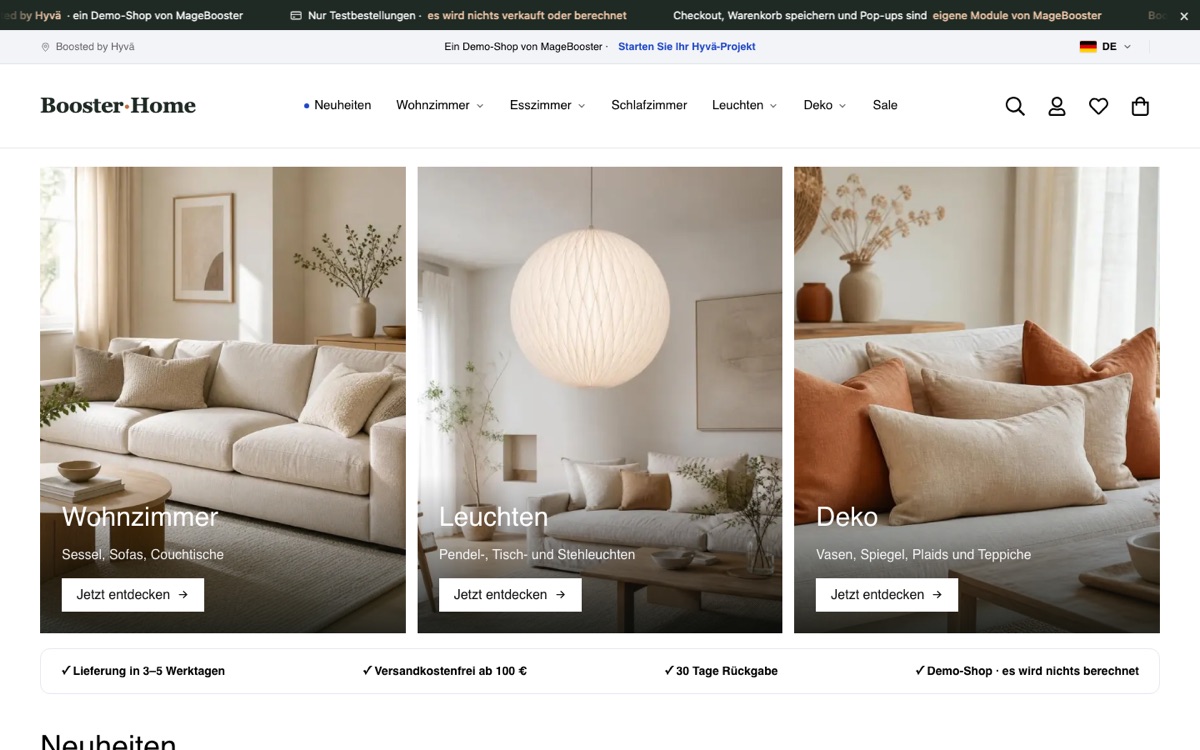
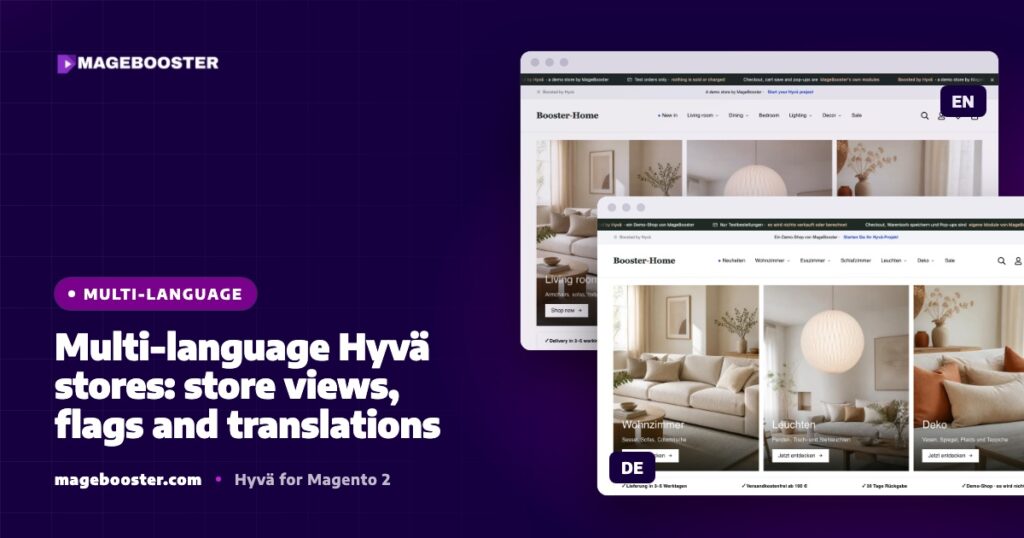
Our Hyvä demo store runs English and German store views with a flag language switcher. This post shares how we set it up and what to watch for.
Store views are still the foundation
Hyvä is a frontend theme. Websites, stores and store views work exactly as in any Magento 2 installation.
Each language gets its own store view with its own locale, set under Stores > Configuration > General > Locale Options.
Product names, descriptions, category content, CMS pages and URL keys can all be set per store view. The theme only decides how that content is shown.
If you also sell in several currencies or countries, the website and store structure matters for prices, tax and payment methods. Our post on international checkout in Hyvä covers that side.
Choose a URL structure early
There are two common patterns for language versions:
- Store code in the URL, such as
/en/and/de/on one domain. This is simple to run and keeps one certificate and one CDN zone. - Separate domains or subdomains per country. This can suit stores with a strong local brand in each market.
Both work with Hyvä. What matters is that you decide before launch, because changing URLs later means redirects and a period of search engine uncertainty.
Whichever you choose, link the language versions to each other with hreflang. Magento does not output hreflang tags out of the box, so this needs a module or a small custom block. We cover the SEO side in Hyvä SEO: clean markup, structured data, crawl efficiency.
Translations live in the theme
Magento translations come from CSV files in modules, language packs and the theme. On a Hyvä store, we keep store-specific wording in the child theme:
app/design/frontend/Vendor/hyva-child/i18n/de_DE.csv
"Add to Cart","In den Warenkorb"
"Proceed to Checkout","Zur Kasse"
"Delivery in 2-3 working days","Lieferung in 2-3 Werktagen"
Theme translations are applied after module translations, so they are the right place for your own tone of voice.
To find strings that still need translating, collect the phrases from your theme and compare them with the CSV:
bin/magento i18n:collect-phrases app/design/frontend/Vendor/hyva-childKeep in mind that a language pack gives you a baseline, not your brand voice. We always review checkout, cart and account wording by hand.
Strings inside Alpine.js components
Hyvä components are written in Alpine.js, often inside PHTML templates. This makes translation easier than in Luma’s Knockout templates, because the text is usually rendered by PHP.
Where a string is needed in JavaScript, render it through Magento’s translation function and escape it for JavaScript:
<div x-data="{ added: '<?= $escaper->escapeJs(__('Added to your basket')) ?>' }">
    ...
</div>
Avoid hard-coded English strings inside Alpine.js components. They are easy to miss in review and show up in German pages as soon as a customer clicks something.
Static content must also be deployed for every locale you use, otherwise some files will be missing for one language:
bin/magento setup:static-content:deploy -f en_GB de_DEA language switcher with flags
Magento already provides a store switcher. On our demo store we customised its template in the child theme to show a flag next to each language.
Flags are a quick visual cue, but they represent countries, not languages. German, for example, is spoken in several countries.
So we always show the language name as text next to the flag. This also helps screen reader users, who would otherwise hear nothing useful.
The switcher should take the visitor to the same page in the other language when it exists, not back to the home page. Magento handles this when URL keys are set per store view.
Checkout and emails need their own check
Checkout is where untranslated text hurts most. On Hyvä Checkout, which is built on Magewire, labels come from PHP templates and the same translation files as the rest of the store.
Payment and shipping modules often bring their own wording, so check every method you offer in every language.
Transactional emails are configured per store view too. Make sure each store view uses the right email templates and sender details.
Content per language, not just translation
Translation files cover the interface. Product data, category text, CMS pages and banners are content, and they need their own plan.
Decide early who writes and checks each language, and which content is shared across store views. Homepage banners often need different images per market, not only different text.
Pitfalls we hit
- Store-view specific translations. A phrase translated in one place can still appear untranslated in another context. We test real pages per store view rather than trusting the CSV alone.
- Cached pages in the wrong language. Full-page cache and CDN rules must keep store views apart. See full-page caching a Hyvä store with Cloudflare.
- Missing locales in static deploy. One forgotten locale in the deploy script is enough to break a language.
- Content entered only on the default scope. If a CMS block exists only for one store view, the other language shows an empty space.
A short launch checklist
- One store view per language, with the right locale.
- URL structure decided and hreflang planned.
- Theme CSV files complete for each locale.
- No hard-coded strings in Alpine.js components.
- Static content deployed for every locale.
- Switcher shows language names and keeps the current page.
- Checkout, account pages and emails tested in every language.
FAQ
Does Hyvä support multiple languages?
Yes. Hyvä uses Magento’s standard store views, locales and translation files, so multi-language stores work as they do on any Magento 2 theme.
Are Luma translations reused on Hyvä?
Module and language pack translations still apply. Strings that lived in Luma theme templates or Knockout files need checking, because Hyvä replaces those templates.
Should I use flags in the language switcher?
Flags are fine as a visual cue, but always show the language name as text as well. Flags stand for countries, and many languages are spoken in more than one.
Planning a multi-language Hyvä store or moving one from Luma? See our Hyvä theme development service or get in touch.

 English
 German
 Dutch
Dutch Turkish