
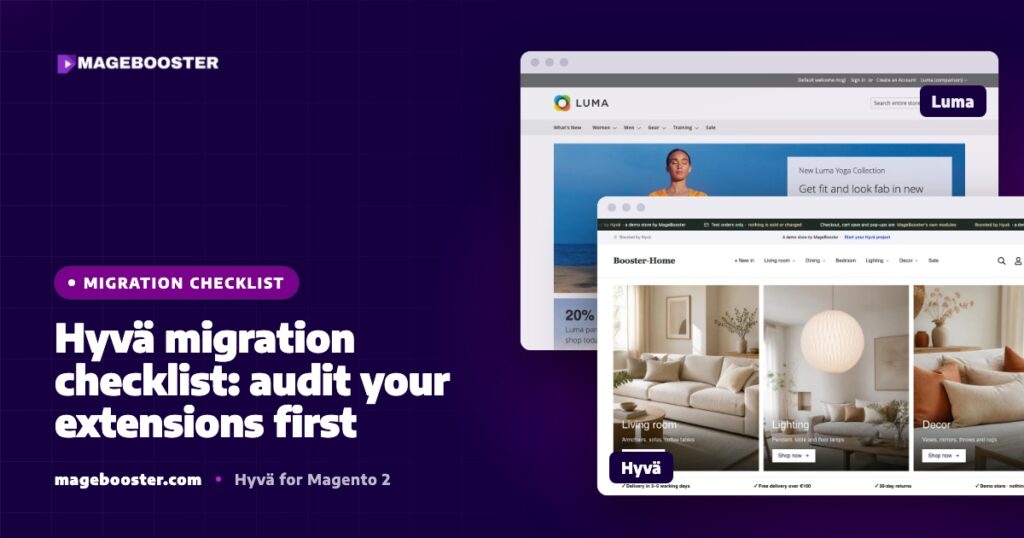
Hyvä now runs natively on Magento 2.4.9 and on Mage-OS. We have tested both. What this means for your store →
In short
Before you plan a Hyvä migration, list every extension and sort each one into three groups: works on Hyvä, needs a frontend port, or should go. Pay extra attention to payment, tracking and checkout modules, because they break most often. The extension list decides the scope, the risk and the timeline of the whole project.
A Luma to Hyvä migration changes only the frontend. Your products, customers and orders stay where they are.
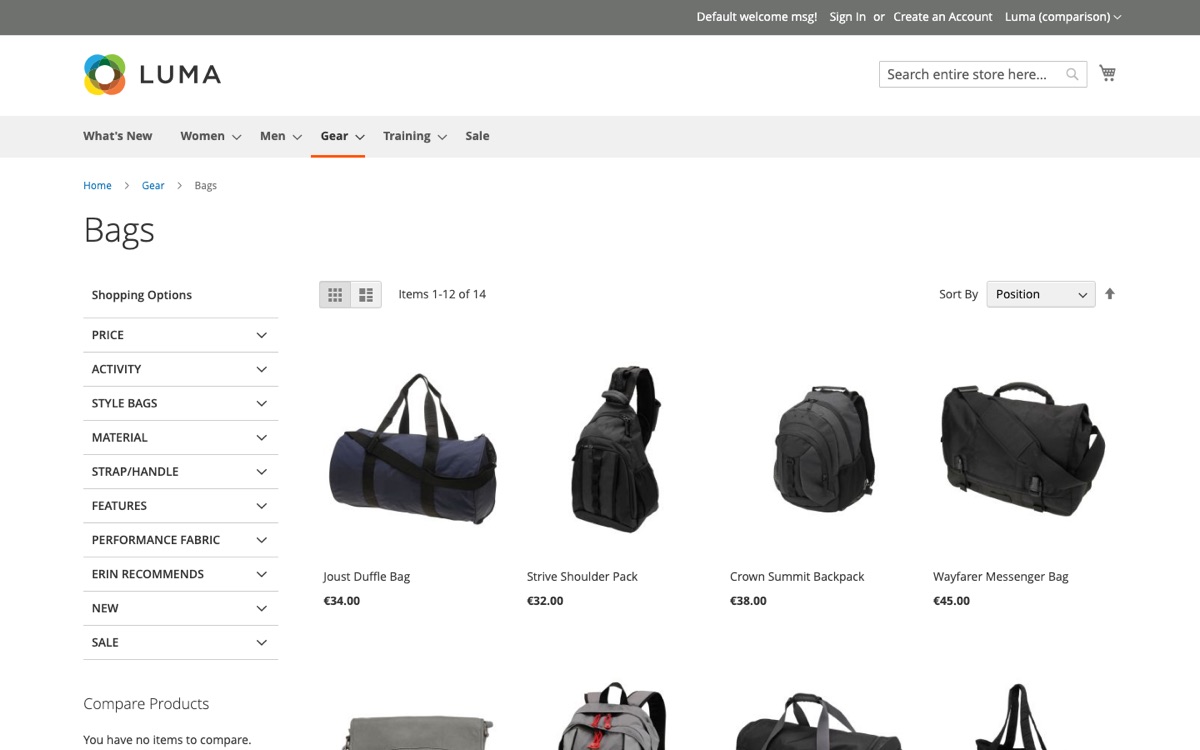
That makes the project sound simple, and in many ways it is. But almost every Magento store runs extensions that were written for Luma, and those extensions decide how smooth the move will be.
This is the checklist we use before any Hyvä project starts.
Why extensions come first
Hyvä removes Luma’s RequireJS, KnockoutJS and jQuery stack. Any extension that ships its own storefront JavaScript or Knockout templates expects that stack to exist.
On Hyvä, the backend part of such an extension still works. The part shoppers see, such as a widget, a pop-up or a checkout step, does not work until its frontend is rebuilt.
If you discover this halfway through a project, it costs time and creates risk. If you discover it on day one, it simply becomes part of the plan.
Step 1: list every module
Start with a complete list. Do not rely on memory or on the admin menu, because many modules have no admin screen at all.
bin/magento module:status --enabled | grep -v '^Magento_'
composer show | grep -v '^magento/'
The first command lists enabled modules that are not part of Magento’s core. The second lists Composer packages, which helps you find the vendor and version of each one.
Also check app/code for custom and older modules installed without Composer. These are often the ones nobody remembers.
Step 2: find out what each module does on the storefront
For every module, answer one question: does it change anything a shopper sees or clicks?
- Backend-only modules, such as ERP connectors, order exports, feeds or admin tools, usually work on Hyvä without changes.
- Modules with storefront templates, JavaScript or layout changes need a closer look.
- Modules that touch the checkout need the closest look of all.
A quick way to spot storefront code is to look inside each module for a view/frontend folder with web/js, requirejs-config.js or Knockout .html templates.
Step 3: sort every module into three groups
We sort every extension into one of three groups and share the full list with the store owner.
| Group | What it means | Typical action |
|---|---|---|
| Works | Backend only, or a Hyvä compatibility module already exists | Install the compatibility module if needed, then test |
| Needs a port | Has Luma frontend code and no ready compatibility module | Rebuild the frontend part in Alpine.js and Tailwind |
| Should go | Unused, duplicated, or replaced by something better | Remove it, or replace it with a Hyvä-ready module |
Many popular vendors publish their own Hyvä compatibility modules. Hyvä also maintains a public tracker of compatibility modules, which is a good first place to check.
For the modules that end up in the middle column, our post on extensions without a Hyvä compatibility module explains the options in detail.
Step 4: check the high-risk categories
In our experience, a few kinds of modules break more often than others. Give them extra time in the audit.
- Payment methods. Many payment modules render their checkout step with Knockout. Some providers have no Hyvä-ready version at all.
- Tracking and tag managers. Many modules push e-commerce events through RequireJS. On Hyvä those events can stop silently, so GA4 reports go quiet without an error.
- Sliders, galleries and product configurators. These are often heavy jQuery widgets.
- Theme-specific page builder elements. Content made with your old theme’s own elements can disappear after the switch.
- Search and layered navigation. These often have their own frontend scripts.
Step 5: decide the checkout route early
Checkout is where payment, shipping and tracking modules meet. It deserves a decision before design work begins.
- Hyvä Checkout, built on Magewire, if your payment and shipping methods are supported or can be integrated.
- Keeping checkout on Luma for now with Hyvä’s fallback approach, while the rest of the store moves to Hyvä.
- A checkout template designed around your basket size and markets.
Also plan for Content Security Policy. Since Magento 2.4.7, checkout pages enforce a strict CSP, so every inline script must be allowed, or payment methods can fail.
Our article is Hyvä Checkout worth it? helps with this decision.
Step 6: protect SEO and tracking
A frontend change should not change how Google or your analytics see the store. Add these items to the checklist:
- Keep every URL the same, including category and product URLs.
- Compare rendered titles, meta descriptions, canonical tags and hreflang between old and new pages.
- Compare structured data for products, breadcrumbs and organisation.
- Test GA4 e-commerce events end to end: view item, add to cart, begin checkout and purchase.
- Watch Search Console closely after launch.
Our Magento SEO checklist covers the wider SEO side.
Step 7: turn the list into a plan
Once every module is sorted, you have what you need for a realistic plan:
- The number of ports gives you the main development effort.
- The checkout route gives you the main risk.
- The modules you remove make the store simpler and lighter.
This is also the moment to look at the server. Hyvä makes the frontend lighter, but a slow server, a broken full-page cache or very large images stay slow on any theme.
If you are planning a Magento upgrade at the same time, run the same extension audit for the upgrade, so you only review each module once.
FAQ
How many extensions is too many for Hyvä?
There is no fixed number. What matters is how many have storefront code without a compatibility module, and how complex those are.
Can we move to Hyvä if one payment method is not Hyvä-ready?
Yes. You can build the integration, or keep checkout on Luma for now while the rest of the store runs on Hyvä.
Who should do the extension audit?
A Magento developer who knows both Luma and Hyvä. The audit needs someone who can read module code, not only the module’s marketing page.
We check every extension before we quote a Hyvä migration. See how the process works on our Hyvä theme development page, including what breaks and how we handle it.

 English
 German
 Dutch
Dutch Turkish