
Hyvä now runs natively on Magento 2.4.9 and on Mage-OS. We have tested both. What this means for your store →
In short
A Hyvä migration runs in five phases: audit, scope, design and build, testing, and launch. The length depends far more on your extensions, checkout and design than on the number of products. A good plan gives you a timeline only after the extension audit, not before it.
“How long will it take?” is usually the second question we hear about Hyvä, right after “will it be faster?”. The honest answer is that it depends on your store. That answer is only useful if we also explain what it depends on. This post walks through the phases of a Luma to Hyvä migration and the factors that make each one shorter or longer.
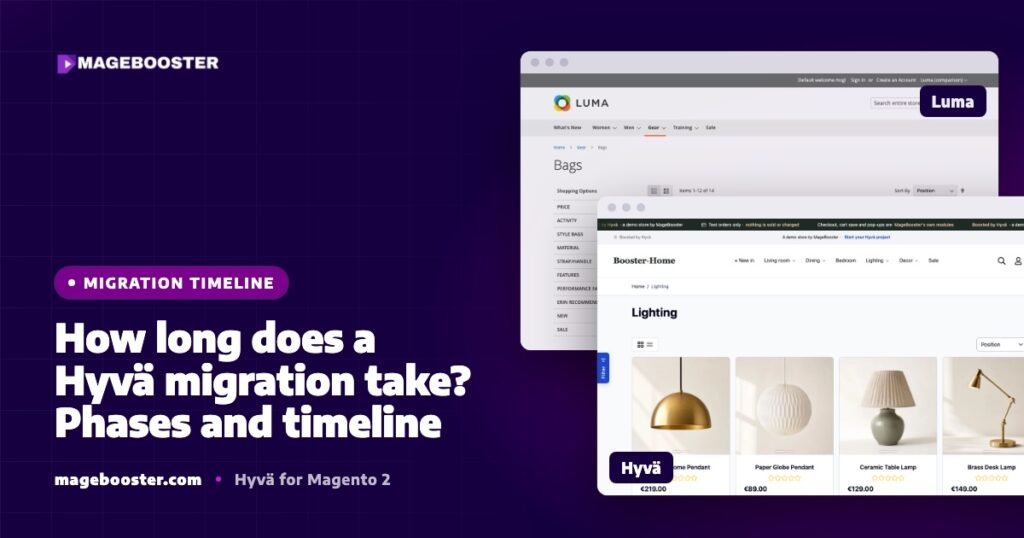
If you are new to Hyvä, start with our plain-English guide to Hyvä. In short, Hyvä replaces Luma’s RequireJS, KnockoutJS, jQuery and LESS frontend with Tailwind CSS and Alpine.js. Your Magento backend, catalogue, customers and orders stay where they are.
Why there is no single number
A Hyvä migration is a frontend rebuild, not a data migration. Products, prices, customers and order history do not move anywhere. What changes is every template, script and style that the customer sees.
That means the size of the job is driven by the frontend surface of your store:
- How many third-party extensions output something in the frontend.
- Whether those extensions have a Hyvä compatibility module.
- Whether you keep your current look or want a new design.
- Which checkout you choose.
- How many store views, languages and markets you run.
Two stores with the same number of products can need very different amounts of work. A store with a handful of well-known extensions and a native Hyvä design is a small project. A store with many custom modules, a heavily customised checkout and several markets is a much larger one.
Phase 1: audit and project plan
Everything starts with an audit of your current store. We list every enabled module and check what each one does in the frontend. Backend-only modules, such as ERP connectors or feed exporters, usually need no frontend work at all.
For each frontend module there are three outcomes:
- A Hyvä compatibility module exists and can be installed.
- No compatibility module exists, so the templates must be rewritten for Alpine.js and Tailwind.
- The module is no longer needed and can be removed.
We describe this step in detail in our Hyvä migration checklist. The audit also covers the server, the current speed baseline and your analytics setup. At the end you get a project plan with design, structure, extensions and server, plus a timeline.
This is the phase that removes most of the uncertainty. Any timeline given before the audit is a guess.
Phase 2: scope and fixed quote
Once the audit is done, the scope becomes a clear list. Pages, checkout and extensions are written down one by one. This list is what we build against, and it is what you sign off.
The scope phase is also where the big decisions are made:
- Design route. Native Hyvä design with your logo, colours and fonts is the fastest way live. Adapting your current theme or building a custom design takes longer.
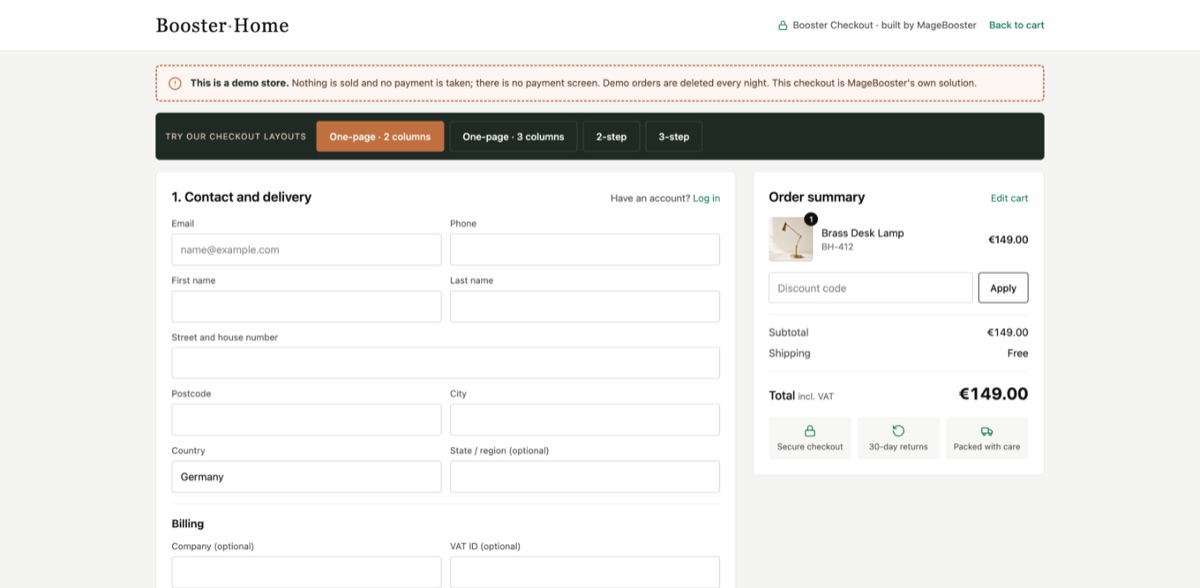
- Checkout. Hyvä Checkout, a third-party checkout, or one of our own 2-step, 3-step or one-page templates. Each has a different amount of setup and testing.
- Extensions without compatibility modules. Each one is either rebuilt, replaced or dropped.
Clear decisions here keep the build phase short. Open questions here tend to come back later as delays.
Phase 3: design and build on staging
The build always happens on a staging site, never on your live store. Your live Luma store keeps selling while the Hyvä version is built next to it.
The typical order of work is:
- Child theme and design tokens (colours, fonts, spacing) in Tailwind.
- Header, footer, navigation and search.
- Category pages, layered navigation and product listing.
- Product pages, including configurable products, gallery and reviews.
- Cart, mini-cart and checkout.
- Customer account pages and CMS content.
- Extension templates that need rewriting.
Product page and checkout usually take the most time, because they carry the most logic and the most extensions. Content pages built with Page Builder also need attention, since Luma-era widgets may rely on scripts that Hyvä no longer loads.
You review the staging site as it grows, not only at the end. Small feedback loops are much faster than one big review at the end.
Phase 4: testing
Testing is not a short step at the end. It is a phase of its own, and skipping it is the most common way migrations go wrong after launch.
- Checkout tests for every payment and shipping method, in every market.
- Store view tests for translations, currencies and tax display.
- Tracking tests for GA4 e-commerce events and any marketing tags.
- Speed tests with Lighthouse on home, category and product pages.
- SEO checks for URLs, canonicals, structured data and redirects.
We explain our speed testing method in how we test Hyvä speed with Lighthouse. Checkout security rules are another classic issue: Hyvä Checkout runs on Magewire, and its Content Security Policy rules need to be tested with your real payment providers.
Phase 5: launch and after launch
The switch itself is planned and short. Because the backend does not change, going live mostly means deploying the new theme, assigning it to your store views and clearing caches.
A good launch plan includes:
- A low-traffic launch window.
- A rollback path to the old theme if something critical appears.
- A CDN cache purge after deploy.
- Monitoring of orders, errors and payment success in the first days.
After launch we measure again and compare with the starting numbers. Lab scores matter, but real-user data and checkout completion matter more.
What makes a migration shorter or longer
| Shorter | Longer |
|---|---|
| Native Hyvä design with your branding | Fully custom design |
| Extensions with compatibility modules | Many custom or niche modules |
| A ready checkout template | A heavily customised checkout |
| One store view | Several languages and markets |
| Fast decisions on staging feedback | Late scope changes |
The single biggest factor is usually the extension list. A store that removes unused modules before the migration saves time in every later phase.
FAQ
Does my store go offline during a Hyvä migration?
No. The new frontend is built on a staging site while your current store keeps trading. The switch at launch is short and planned for a quiet period.
Do we have to migrate our products and customers?
No. Hyvä is a frontend theme, so your catalogue, customers and orders stay in the same Magento database. Only the storefront is rebuilt.
Can we upgrade Magento at the same time?
It is possible, but we usually recommend doing it as a separate step. Combining both makes testing harder, because you cannot tell whether an issue comes from the upgrade or the new theme.
Want a realistic timeline for your own store? Our Hyvä migration packages start with an audit of every extension, so the plan is based on your store and not on a guess.

 English
 German
 Dutch
Dutch Turkish