
In short
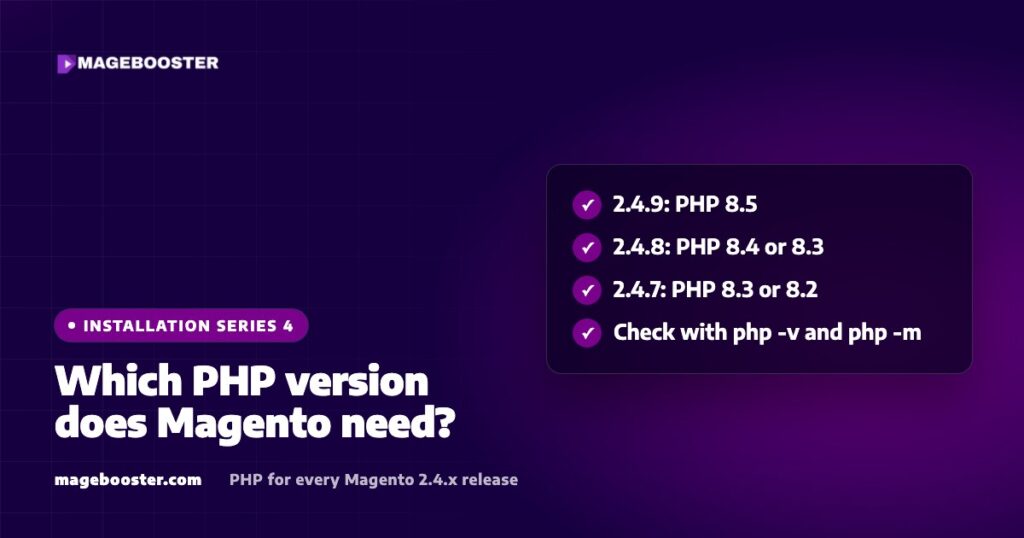
Each Magento 2.4.x release runs only on the PHP versions Adobe lists for it. Magento 2.4.9 needs PHP 8.5, 2.4.8 runs on PHP 8.4 or 8.3, and 2.4.7 on PHP 8.3 or 8.2. Check your release first, then match PHP and its extensions to it.
This is part 4 of our Magento installation series. Part 3 was Adobe access keys for repo.magento.com. In our installation video below, PHP 8.5 is installed for Magento 2.4.9.
1. Find your Magento release
On an existing store, run bin/magento --version in the Magento root folder. For a new store, the release is the one you plan to install. The PHP version follows from it, not the other way round.
2. Match PHP to the release
Adobe supports only these combinations. The same PHP versions apply to every patch of a release, for example 2.4.8-p1 to 2.4.8-p5. Dates are from Adobe’s lifecycle policy.
| Release | PHP | Standard support ends | Extended support ends |
|---|---|---|---|
| 2.4.9 | 8.5 | May 31, 2029 | not announced |
| 2.4.8 | 8.4, 8.3 | May 31, 2028 | not announced |
| 2.4.7 | 8.3, 8.2 | May 31, 2027 | May 31, 2028 |
| 2.4.6 | 8.2, 8.1 | Aug 11, 2026 (ended) | Aug 31, 2027 |
| 2.4.5 | 8.1 | Aug 12, 2025 (ended) | Aug 11, 2026 (ended) |
| 2.4.4 | 8.1 | Apr 12, 2025 (ended) | Apr 14, 2026 (ended) |
After extended support, Adobe gives 2.4.4 and 2.4.5 security-only fixes until May 31, 2027, and 2.4.6 until May 31, 2028. A store on 2.4.6 or older is still on PHP 8.1 or 8.2; moving to PHP 8.3 or newer means upgrading Magento as well.
3. Check the PHP version on the server
Run php -v. This shows the command-line PHP, which runs bin/magento, Composer and cron. Your web server may use a different PHP-FPM version, so make sure both are the same.
4. Check the PHP extensions
Adobe lists the extensions Magento needs, among them bcmath, curl, gd, intl, mbstring, pdo_mysql, soap, sockets, sodium, xsl and zip. Run php -m to see what is loaded. After Composer has installed Magento, composer check-platform-reqs in the Magento root compares your PHP and extensions with what the installed packages require.
5. Check the rest of the stack
PHP is one part. The database, OpenSearch, Valkey, Varnish and Composer versions also depend on the release; we list them in Magento server stack requirements.
Next in the series: the setup:install parameters explained, one by one.
Want us to set up PHP and Magento for you?
We install the right PHP version with all extensions, set up Magento and keep the server up to date. See our Magento installation and setup and managed Magento hosting, or contact us below.
Sources
- Adobe Commerce: System requirements (checked November 2026)
- Adobe Commerce: Lifecycle policy (checked November 2026)
- Composer: check-platform-reqs

 English
 German
 Dutch
 Turkish