
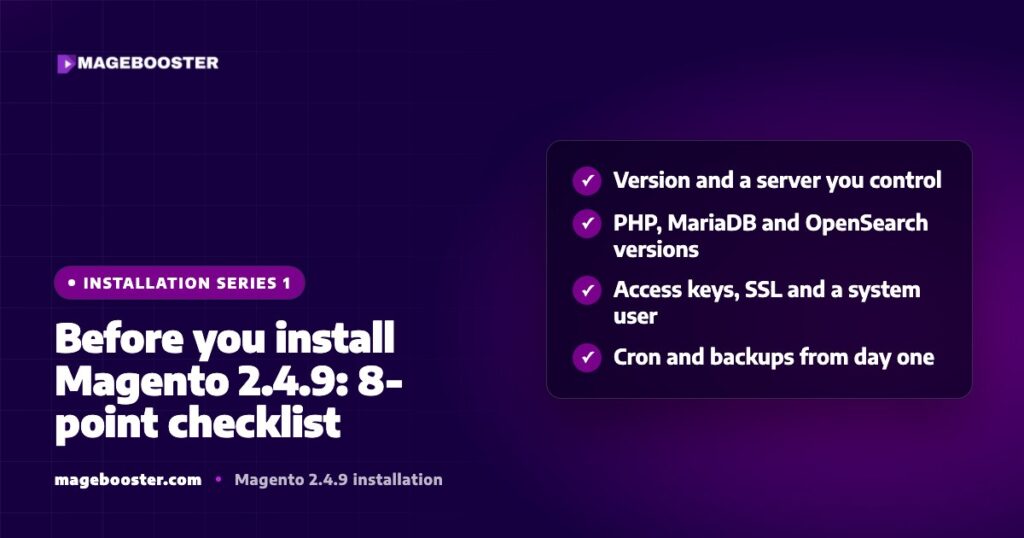
In short
Most failed Magento installs fail before the first command: the wrong PHP version, no OpenSearch, no access keys, or a hosting plan that cannot run Magento. Tick these eight points first, and the install itself goes quickly.
This is part 1 of our Magento installation series. Watch the installation on video below, or follow the written Magento 2.4.9 installation on Ubuntu.
1. Pick the version
Install the newest release, 2.4.9, released on May 12, 2026. Adobe supports the 2.4.9 line until May 31, 2029, longer than any older 2.4 line. Decide first between Magento Open Source, Adobe Commerce and Mage-OS; our comparison of the three helps.
2. Get a server you control
Magento needs SSH access, its own PHP-FPM pool, OpenSearch and cron jobs. Shared hosting cannot give you that. Use a VPS, a dedicated server or managed Magento hosting; our installation video uses Ubuntu 24.04. Not sure which type fits? Read how to choose Magento hosting.
3. Check the software versions
Adobe lists these versions for Magento 2.4.9:
| Software | Magento 2.4.9 |
|---|---|
| PHP | 8.5 |
| Composer | 2.10 |
| MariaDB / MySQL | 12.3 / 8.4 |
| OpenSearch | 3 |
| Valkey (cache and sessions) | 9 |
| Varnish | 8 |
| nginx | 1.30 |
| RabbitMQ (optional) | 4.3 |
Elasticsearch is no longer on the list for 2.4.9. For the whole stack and why each part matters, see Magento server stack requirements.
4. Plan enough memory
Adobe notes that installing and upgrading with Composer can need up to 2 GB of RAM, and recommends a swap file if the server has less. OpenSearch, the database and PHP need their own memory on top. On a very small server the install stops halfway.
5. Create your access keys
Composer downloads Magento from repo.magento.com. You need a free Adobe Commerce Marketplace account and a pair of access keys: the public key is the username, the private key is the password. Keep them out of screenshots and Git.
6. Domain, DNS and SSL
Point the domain to the server before you install, and get a certificate, for example from Let’s Encrypt. The base URL you give the installer should already be the final https address.
7. A system user and an empty database
Don’t run Magento as root. Create a system user that owns the files and runs PHP-FPM, plus an empty database and a database user with rights on that database only.
8. Cron, mail and backups
Magento needs cron for indexers, emails and scheduled tasks. Decide now how the store sends email (for example through SMTP, see our SMTP lesson) and where the daily database and media backups go.
Watch the installation
Part 2 of our video installs Magento 2.4.9 itself, switches on production mode and connects nginx. Every command is in the installation video post, ready to copy and download.
Next in the series: how much server you need for Magento: RAM, CPU and disk by store size.
Want us to install Magento for you?
We install Magento Open Source, Adobe Commerce or Mage-OS on the 2.4.9 stack, with staging and Git deploys. See our Magento installation and setup service, managed Magento hosting and support and maintenance, or contact us below.
Sources
- Adobe Commerce: System requirements (checked October 2026)
- Adobe Commerce: Released versions and support dates

 English
 German
 Dutch
 Turkish