
In short
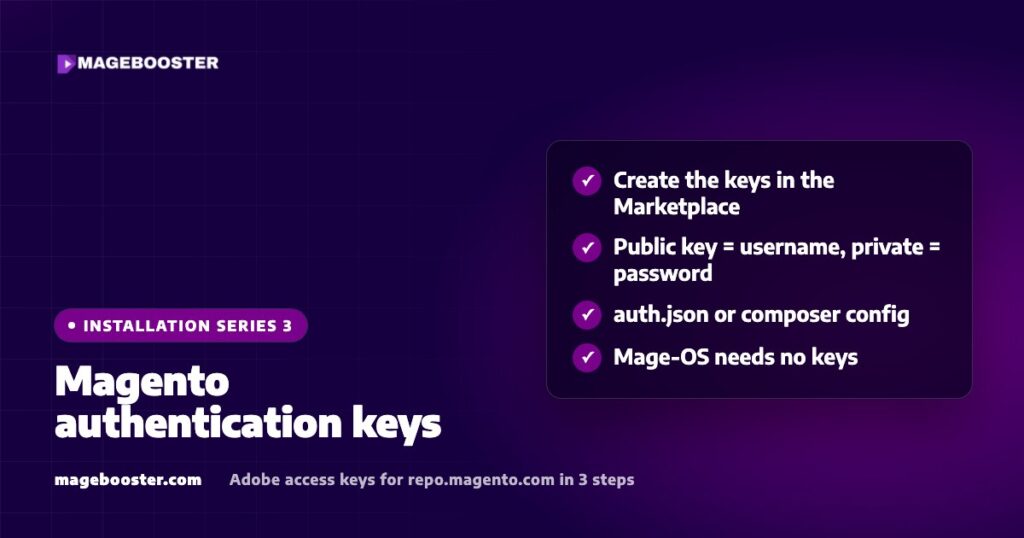
Composer downloads Magento Open Source and Adobe Commerce from repo.magento.com, and that repository asks for a login. The login is a pair of free access keys from the Commerce Marketplace: the public key is the username, the private key is the password. Create them, give them to Composer once, and keep them out of Git.
This is part 3 of our Magento installation series. Part 2 was how much server Magento needs. In the installation video below, the keys are entered when Composer asks for them.
Step 1: Get a Marketplace account with an Adobe ID
Log in to the Adobe Commerce Marketplace, or click Register if you have no account. Since August 2022, Adobe requires the account owner to have an Adobe ID linked to the Commerce account before keys can be created.
Step 2: Create the access key
Click your account name at the top right and choose My Profile. On the Marketplace tab, open Access Keys, click Create a New Access Key, give it a name such as the store or server, and confirm. You get a pair of 32-character keys: the public key is your username and the private key is your password.
For Adobe Commerce, the keys must come from the account that has access to the packages, usually the Primary Contact. If Access Keys is missing or the keys are refused, Adobe points to an expired entitlement or an unpaid invoice.
Step 3: Give the keys to Composer
The simplest way: run the install command and paste the keys when Composer asks for a username and password. Composer can then save them. You can also set them up front for the system user that runs Composer:
composer config --global http-basic.repo.magento.com <public-key> <private-key>Without --global, the keys go into an auth.json file next to the project’s composer.json. The file looks like this:
{
  "http-basic": {
    "repo.magento.com": {
      "username": "<public-key>",
      "password": "<private-key>"
    }
  }
}| Where the keys live | Good for |
|---|---|
| Global auth.json in the Composer home | One server user, several projects |
| auth.json in the project folder | One project, never committed |
| COMPOSER_AUTH environment variable | CI and deploy pipelines |
Keep the keys out of Git
The private key works like a password. The Composer docs say to put auth.json in .gitignore, and they warn that a key passed in COMPOSER_AUTH on the command line can end up in your shell history. Name each key after the server or agency that uses it, so you always know where a key is in use.
Mage-OS needs no keys
Mage-OS installs from its own public repository, repo.mage-os.org, and its installation guide asks for no keys:
composer create-project --repository-url=https://repo.mage-os.org/ mage-os/project-community-edition .You only need Adobe keys on Mage-OS if you install Marketplace extensions, because those still come from repo.magento.com.
Next in the series: which PHP version each Magento 2.4.x release needs.
Want us to handle the install?
We set up keys, Composer and the full 2.4.9 stack for Magento Open Source, Adobe Commerce or Mage-OS. See our Magento installation and setup and managed Magento hosting, or contact us below.

 English
 German
 Dutch
 Turkish