
In short
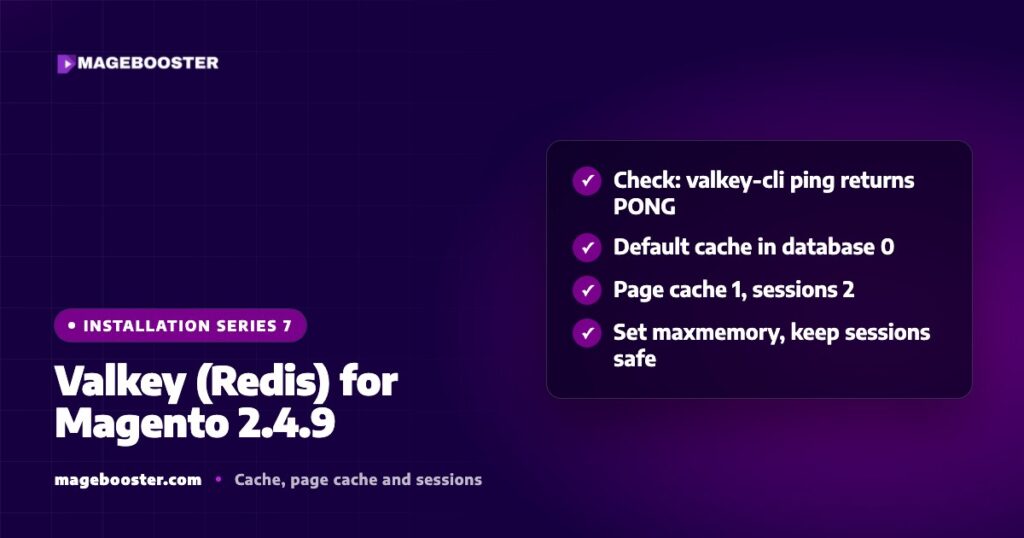
Since Magento 2.4.9, Adobe configures the cache with Valkey, the open-source fork of Redis. Three bin/magento setup:config:set commands move the default cache, the page cache and the sessions into Valkey, each in its own database: 0, 1 and 2. Then you check the connection and give Valkey a memory limit.
This is part 7 of our Magento installation series. Part 6 was nginx for Magento. In our installation video below, Valkey runs on the same server as Magento.
1. Check that Valkey answers
Adobe lists Valkey 9 for Magento 2.4.9 (see our server stack requirements). After installing it, run valkey-cli ping. The answer must be PONG. On a server with Redis tools, redis-cli ping does the same.
2. Default cache in database 0
Run this from the Magento root folder as the Magento file owner:
bin/magento setup:config:set --cache-backend=valkey \
  --cache-backend-valkey-server=127.0.0.1 --cache-backend-valkey-db=0
3. Page cache in database 1
bin/magento setup:config:set --page-cache=valkey \
  --page-cache-valkey-server=127.0.0.1 --page-cache-valkey-db=1
4. Sessions in database 2
bin/magento setup:config:set --session-save=valkey \
  --session-save-valkey-host=127.0.0.1 --session-save-valkey-db=2
Adobe recommends exactly these numbers and says each type must use a different database. The port defaults to 6379; add the -port and -password options if your server needs them.
| Use | Option (2.4.9) | Database |
|---|---|---|
| Default cache | --cache-backend=valkey | 0 |
| Page cache | --page-cache=valkey | 1 |
| Sessions | --session-save=valkey | 2 |
On Magento 2.4.8 and older, the same options carry redis in their names, for example --cache-backend=redis and --cache-backend-redis-server.
5. Watch Magento use it
Run valkey-cli monitor and open a few pages of your store. If cache and session commands scroll past, Magento is talking to Valkey. Stop it with Ctrl+C, because monitor slows the server down while it runs.
6. Set a memory limit
With maxmemory 0 Valkey has no memory limit, so set maxmemory in /etc/valkey/valkey.conf. Adobe suggests starting from the size of your var/cache folder: 5 GB there means at least 5 GB for Valkey. Choose the eviction policy with care: with noeviction, new values are not saved once the limit is reached, while allkeys-lru removes the least recently used keys, which would include sessions in a shared instance. That is why Adobe keeps sessions apart from the cache and recommends persistence for sessions. Our RAM guide shows how Valkey fits into the total.
Next in the series: Magento cron setup.
Want us to set up Valkey for your store?
We configure cache, page cache and sessions, size the memory and keep the stack fast. See our managed Magento hosting, Magento installation and setup and speed optimization, or contact us below.
Sources
- Adobe Commerce: Configure Valkey for default and page cache (checked November 2026)
- Adobe Commerce: Configure Valkey for session storage
- Adobe Commerce: Configure Valkey
- Adobe Commerce: Configure Redis for default and page cache (2.4.8 and older)
- Adobe Commerce: Best practices for Valkey and Redis service configuration
- Valkey: Key eviction (maxmemory)

 English
 German
 Dutch
 Turkish