
In short
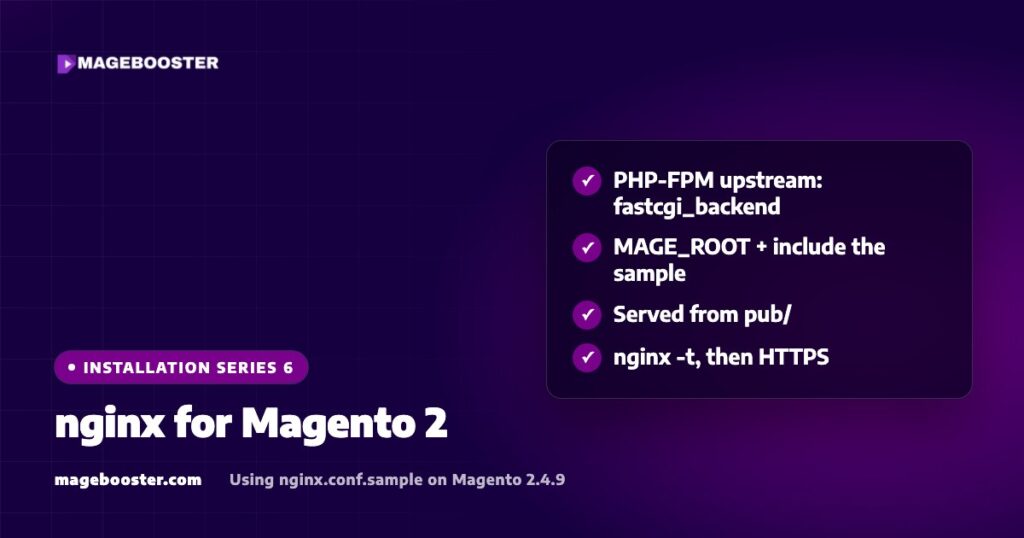
Magento ships its own nginx rules in a file called nginx.conf.sample. You do not copy them into your config. You write a short server block that points to PHP-FPM, sets the Magento folder and includes that file. It serves the shop from pub/ and blocks the files that must stay private.
This is part 6 of our Magento installation series. Part 5 was the setup:install command explained. Magento 2.4.9 lists nginx 1.30 as its web server; the installation video below sets it up on Ubuntu 24.04.
1. Point nginx to PHP-FPM
The sample file sends every PHP request to an upstream called fastcgi_backend. You define it yourself, with the PHP-FPM socket of your PHP version. On Ubuntu, Adobe uses this form:
upstream fastcgi_backend {
  server  unix:/run/php/php<php-version>-fpm.sock;
}
The name must stay fastcgi_backend, because that is what the sample file calls. A TCP address such as 127.0.0.1:9000 also works if PHP-FPM listens on a port.
2. Write the server block
Create /etc/nginx/sites-available/magento with the upstream above and this block. Set the Magento install folder, not the pub/ folder, and include the sample file from that same folder:
server {
  listen 80;
  server_name www.example.com;
  set $MAGE_ROOT /var/www/html/magento2;
  include /var/www/html/magento2/nginx.conf.sample;
}
The server_name must match the base URL you gave during installation. Keep nginx.conf.sample as Magento ships it and put your own rules in your server block.
3. What the sample file does for you
| Rule in nginx.conf.sample | Effect |
|---|---|
| root …/pub | The shop is served from pub/, so app/, vendor/ and env.php are not reachable from the web |
| /setup | The web setup entry point is denied unless you allow your IP |
| /media/customer/, /media/import/ … | Private upload folders are denied |
| /static/ | Versioned static files, served with long cache headers |
| gzip | Text, CSS, JavaScript and JSON are compressed |
| Banned locations | Other .php files, .htaccess and .git are denied |
4. Enable, test and restart
Link the site into sites-enabled, check the syntax and restart nginx only when the test passes:
ln -s /etc/nginx/sites-available/magento /etc/nginx/sites-enabled
nginx -t
systemctl restart nginx
5. Add HTTPS
For HTTPS, the server block listens on 443 with the ssl parameter and names your certificate and key with ssl_certificate and ssl_certificate_key. The include line stays the same. Then make Magento use secure URLs with --use-secure=1 and --use-secure-admin=1, as covered in part 5. If you put Varnish in front of nginx, the layout changes; see Varnish and HTTPS for Magento.
server {
  listen 443 ssl;
  server_name www.example.com;
  ssl_certificate     /path/to/fullchain.pem;
  ssl_certificate_key /path/to/privkey.pem;
  set $MAGE_ROOT /var/www/html/magento2;
  include /var/www/html/magento2/nginx.conf.sample;
}
In production mode, the sample file has a commented Cache-Control line in its /static/ block that you can switch on. It also notes that setting the mode with bin/magento deploy:mode:set is better than setting it in nginx.
Next in the series: Valkey for Magento cache and sessions.
Want us to set up the web server?
We set up nginx, PHP-FPM, HTTPS and Varnish for Magento 2.4.9 and keep the stack fast. See our managed Magento hosting, Magento installation and setup and speed optimization, or contact us below.

 English
 German
 Dutch
 Turkish